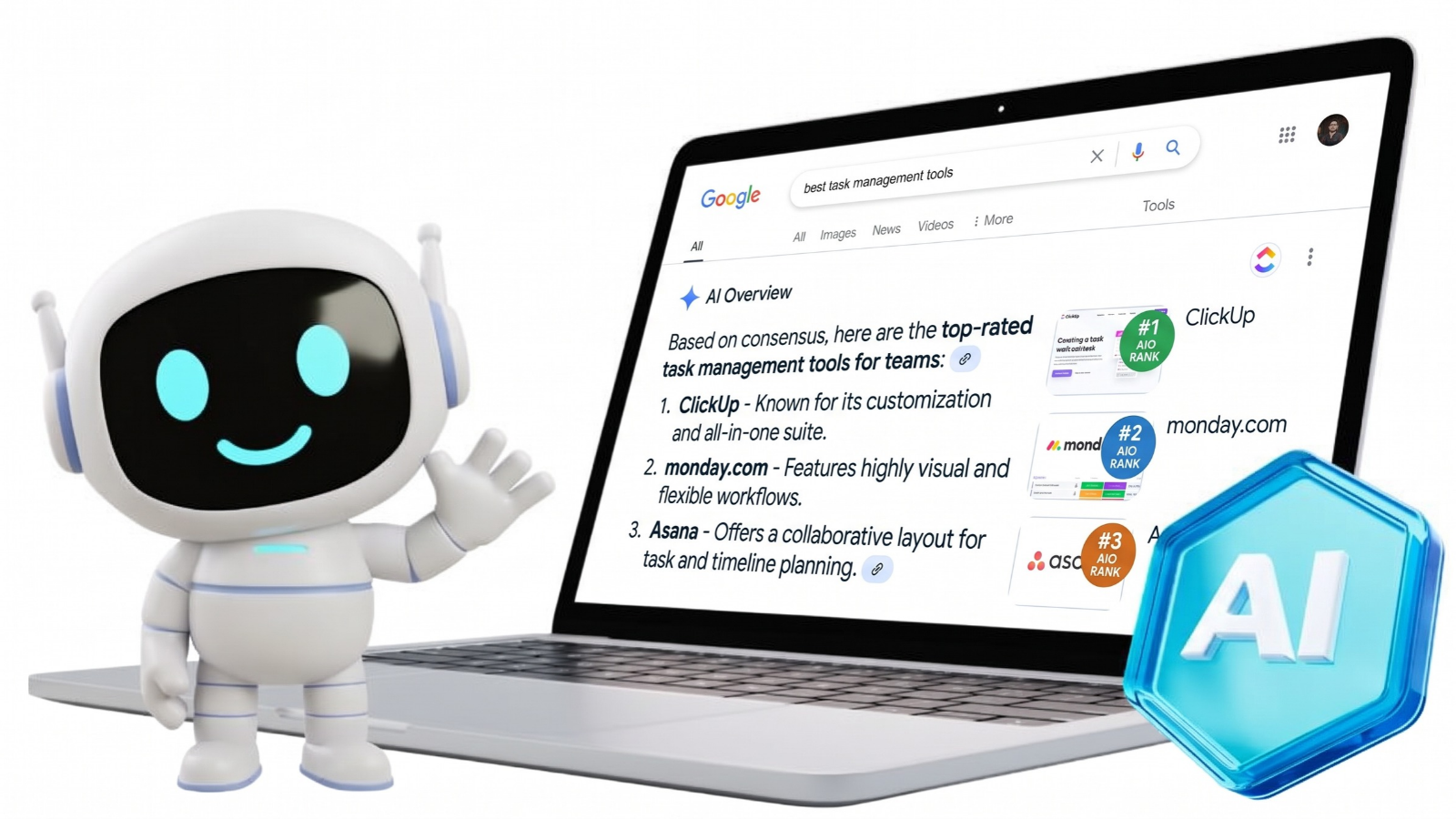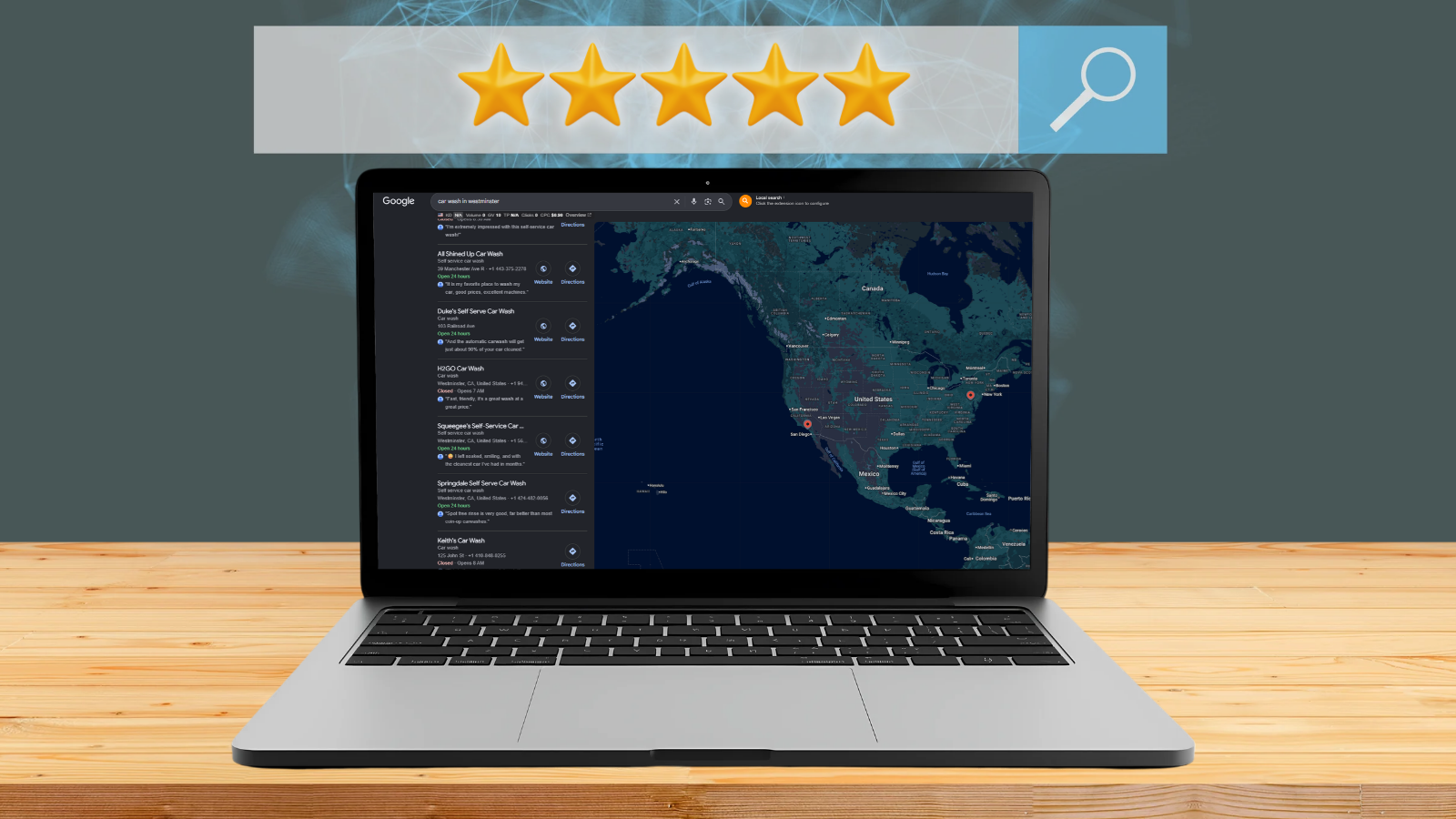
Google Search and Maps help nearby customers find businesses, but outdated details can send potential customers elsewhere. Google Business Profile optimization means keeping a business listing accurate, complete, and useful so people can find the right information before calling or visiting.
Mad Marketing Labs often treats profile accuracy as one part of a broader local search strategy. Incorrect hours, missing services, and unclear photos can push customers to another business. These nine practical tips explain how to verify a listing, update business details, manage reviews, share useful posts, and track customer activity to build a stronger local presence.
- Google Business Profile optimization helps eligible businesses improve local visibility by keeping business information accurate, complete, and useful.
- Google says local rankings mainly depend on relevance, distance, and prominence, so accurate categories, location details, and a strong reputation matter.
- Keep the business name, hours, services, photos, and contact details current, and avoid adding keywords that are not part of the real business name.
- Ask real customers for honest reviews and respond professionally, but do not offer incentives for reviews, changes, or removals.
- Track profile views, website clicks, calls, direction requests, and real customer inquiries to measure performance beyond rankings.
What Is Google Business Profile Optimization?
Google Business Profile optimization is the process of improving and maintaining a business listing on Google Search and Google Maps. A Google Business Profile is a free listing for eligible businesses that can display contact details, operating hours, services, photos, and customer reviews.
When someone searches for "plumber near me," Google may show nearby businesses alongside a map. A complete profile helps customers compare services, check availability, and contact a business. Accurate information also helps Google understand what a company does, which can support local search visibility.
How Does Google Business Profile Affect Local SEO Rankings?
Google Business Profile supports local search engine optimization (SEO) by helping Google understand a business's services, location, and relevance to nearby searches. Complete, accurate information can improve local visibility, but an optimized listing doesn't guarantee a specific ranking.
What Are Google's Three Main Local Ranking Factors?
According to Google's official local ranking guidelines, local search results mainly depend on relevance, distance, and prominence. Business owners can improve profile accuracy and build a stronger reputation, but Google does not allow businesses to pay for better organic local rankings.
| Ranking Factor | What It Means | What Businesses Can Do |
| Relevance | How closely a business matches a search | Choose accurate categories and describe real services |
| Distance | How far a business is from the search location | Keep the real address and service area accurate |
| Prominence | How well-known a business is | Earn genuine reviews and build a credible online reputation |
A business may rank differently across neighborhoods because distance changes with the searcher's location. Owners should focus on accurate information and genuine customer trust rather than trying to manipulate the map results.
How Do You Optimize Your Google Business Profile in 2026?
Effective Google Business Profile optimization starts with accurate information and regular updates that help customers decide. These Google Business Profile optimization tips for 2026 focus on nine practical tasks, from verifying a listing to measuring customer actions.
1. Claim and Verify Your Google Business Profile
Eligible businesses should claim and verify a Google Business Profile before managing ongoing changes. Search for the business on Google or visit Google's Business Profile setup page to create a listing if one does not exist.
Claim an existing listing instead of creating a duplicate for the same location. Verification confirms management authority and allows owners to control business details. Google selects the available verification methods, which may include video, phone, email, or mail.
2. Keep Your Business Name, Address, and Hours Accurate
Accurate business information helps customers reach the right place at the right time. Check the business name, phone number, website, address, service areas, and regular operating hours.
Update holiday hours whenever schedules change. Businesses that visit customers rather than serve them at a storefront should follow Google's service-area and address rules.
Google also requires businesses to use real-world names. Adding extra service keywords or city names that are not part of the actual business name violates Google's guidelines and may lead to suspension.
3. Choose the Right Business Categories
The right business category helps Google understand what a company primarily does. For example, a plumbing contractor should choose the specific "Plumber" category instead of a broad category that doesn't accurately describe the business.
Additional categories should reflect other genuine business activities. Avoid adding unrelated categories just to appear in more searches, since incorrect classifications can confuse customers and weaken the listing's accuracy.
4. Write a Clear Business Description
A useful business description explains what a company does and what customers can expect. Mention primary services, genuine specialties, and relevant service information in natural language.
For example, a plumbing company might describe water heater installation, drain cleaning, and emergency plumbing services. Avoid repeated keywords, unsupported claims, promotional prices, and links because Google restricts these elements in business descriptions.
5. Add Your Products, Services, and Business Attributes
Products, services, and attributes help customers understand what a business offers before they contact you. Add accurate service listings with short descriptions that explain what each service includes.
Eligible retail businesses can display products, while supported categories may allow booking links or appointment options. Select factual attributes, such as wheelchair access or available parking, only when applicable. Features vary by business category, location, and eligibility.
6. Upload High-Quality Photos and Videos
Clear, recent photos help customers recognize a business and understand what it provides. Add storefront entrances, interior spaces, products, equipment, and completed work that customers have permitted the business to share.
Team photos can also help visitors recognize staff, with appropriate permission. Google's photo guidelines recommend 720 × 720-pixel images and allow videos up to 30 seconds. Use sharp, well-lit visuals that reflect the actual business.
More uploads do not automatically mean higher local rankings.
7. Ask Customers for Reviews and Respond to Feedback
Genuine customer reviews help people judge service quality and build confidence before contacting a business. Ask customers for honest feedback through Google's review link or QR code, and reply with professional, personalized responses.
Research supports the value of online reputation. According to Harvard Business School research by Michael Luca, a one-star increase in Yelp ratings was linked to a 5% to 9% revenue increase for independent restaurants in the study. Because the research examined Yelp, the findings do not show the same effect for Google Business Profiles.
Google prohibits incentives for posting, changing, or removing reviews. The Federal Trade Commission also prohibits fake reviews and incentives tied to positive or negative ratings.
8. Publish Relevant Google Business Profile Updates
Google Business Profile updates help eligible businesses share timely information through Google Search and Maps. Posts can announce new services, seasonal changes, business news, events, or relevant offers.
Include accurate details, clear images when useful, and correct event dates. Publish updates when customers have something useful to know. Google has not confirmed that posting frequently is a direct local ranking factor.
9. Track Your Google Business Profile Performance
Google Business Profile Performance helps verified business owners understand how customers find and interact with a listing. Available metrics include profile views, search terms, website clicks, direction requests, calls, and supported bookings.
A recorded call interaction means someone clicked the call button, not that they completed a call or became a qualified lead. Compare profile activity with real customer inquiries and appointments. Tracking customer inquiries can help identify which marketing efforts support business goals.
What Google Business Profile Mistakes Should You Avoid?
Google Business Profile mistakes can confuse customers, weaken trust, or violate Google's business policies. Incorrect information and attempts to manipulate rankings may also cause problems with a listing.
| Common Mistake | Recommended Solution |
| Adding keywords to the business name | Use the real business name |
| Selecting unrelated categories | Choose categories that match actual business activities |
| Creating duplicate profiles | Claim the existing listing when appropriate |
| Displaying incorrect locations or hours | Verify business details and update changes |
| Buying or rewarding customer reviews | Request genuine reviews without incentives |
| Leaving old information unchanged | Review services, photos, and hours regularly |
Fix inaccurate details before making cosmetic changes to a profile. If Google suspends a listing, follow the official appeal process instead of creating a replacement that may violate the same policy.
How Can Your Website Support Google Business Profile Optimization?
A business website supports Google Business Profile optimization by giving visitors more information after they find the company in Search or Maps. Clear service pages, accurate contact details, and useful location-specific content help customers decide what to do next.
Keep business information consistent across the website and profile. Add relevant internal links so visitors can explore related services, and use mobile-friendly web design to make contact forms and call buttons easy to use.
Mad Marketing Labs also supports marketing for local business marketing, helping companies connect local search visibility with useful website experiences.
When Should You Hire Google Business Profile Optimization Services?
Google Business Profile optimization services can help businesses with multiple locations, inconsistent listings, or limited time for regular updates. Owners can handle many basic tasks independently, but complex profile issues may require specialist support.
Professional services can correct business information, manage review responses, maintain location details, and strengthen your broader local SEO strategy. Agencies can also track how profile activity connects with website visits and customer inquiries.
Before choosing a Google Business Profile optimization service, ask about included tasks, reporting, pricing, and account access. A reliable provider should explain how work will be measured without promising specific rankings. The business should retain ownership and control of its listing.
Frequently Asked Questions
Optimize your Google Business Profile by verifying the listing, choosing accurate categories, updating contact details and hours, adding relevant services and photos, requesting honest customer reviews, and regularly checking profile performance.
Google Business Profile optimization can improve local search visibility when accurate information helps Google match a business with relevant searches, although distance, prominence, competition, and other factors mean higher rankings are never guaranteed.
Review your Google Business Profile whenever business hours, contact details, services, or locations change; check customer feedback regularly; and publish updates for important announcements, events, or seasonal information.
Creating, claiming, and managing an eligible Google Business Profile is free, but businesses may pay for photography, staff time, local SEO support, or professional help with ongoing profile management.
Google Business Profile optimization services vary by the number of locations, listing issues, ongoing updates, review management, and reporting needs, so businesses should compare deliverables and budgets before choosing a provider.
Improve Local Visibility With Mad Marketing Labs' Google Business Profile Optimization Services
Mad Marketing Labs helps businesses strengthen local visibility through Google Business Profile optimization, local SEO, website improvements, and content marketing. The focus is on relevant website visits, customer inquiries, and measurable progress rather than ranking promises. A professional review can identify missing business details, incorrect categories, or website issues that need attention.
Ready to improve your local presence? Improve your Google Business Profile with a plan built around your business goals.