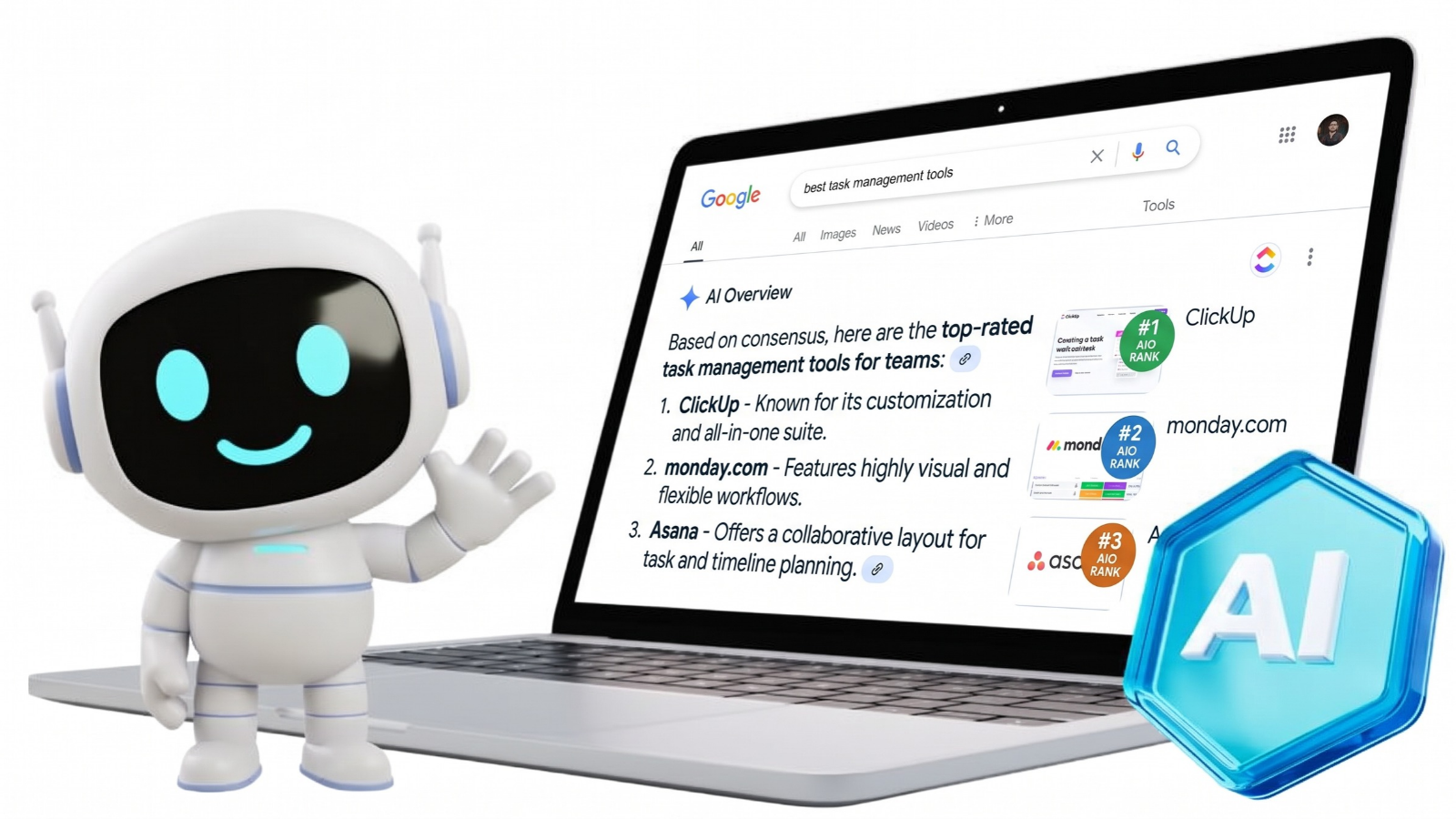
Falling Google traffic calls for a closer look at search engine optimization (SEO). An SEO audit checklist helps identify technical faults and content gaps that may limit visibility or make a website harder to use.
Audits also cover internal links, mobile experience, and search analytics. A traffic drop can reflect lower demand, so check the evidence before rewriting pages. For businesses reviewing performance with Mad Marketing Labs, these 10 steps explain how to investigate problems, record findings, and prioritize fixes that support useful visits and customer inquiries.
- An SEO audit checks whether search engines and visitors can access, understand, and use important website pages.
- Start with critical issues such as indexing blocks, server errors, broken internal links, and incorrect canonical signals before making minor on-page edits.
- Review on-page SEO, content quality, Core Web Vitals, mobile usability, structured data, backlinks, and AI search readiness as part of a complete audit.
- Use tools such as Google Search Console, PageSpeed Insights, Screaming Frog, and Ahrefs to investigate problems, then verify important findings manually.
- Prioritize fixes based on severity, affected pages, and business value, then recheck performance after changes go live.
What Is an SEO Audit and Why Is It Important?
An SEO audit is a structured check of how well search engines and visitors can find, understand, and use a website. It reviews technical access alongside the content and page features that help people choose a product or service.
Technical failures can stop Google from accessing pages, while unclear copy can leave customer questions unanswered. Checking both prevents you from treating every traffic drop as a writing problem.
Regular reviews can catch template errors before they spread through new pages. The audit itself changes nothing: findings need a responsible owner, an agreed fix, and a follow-up test to confirm what changed after implementation.
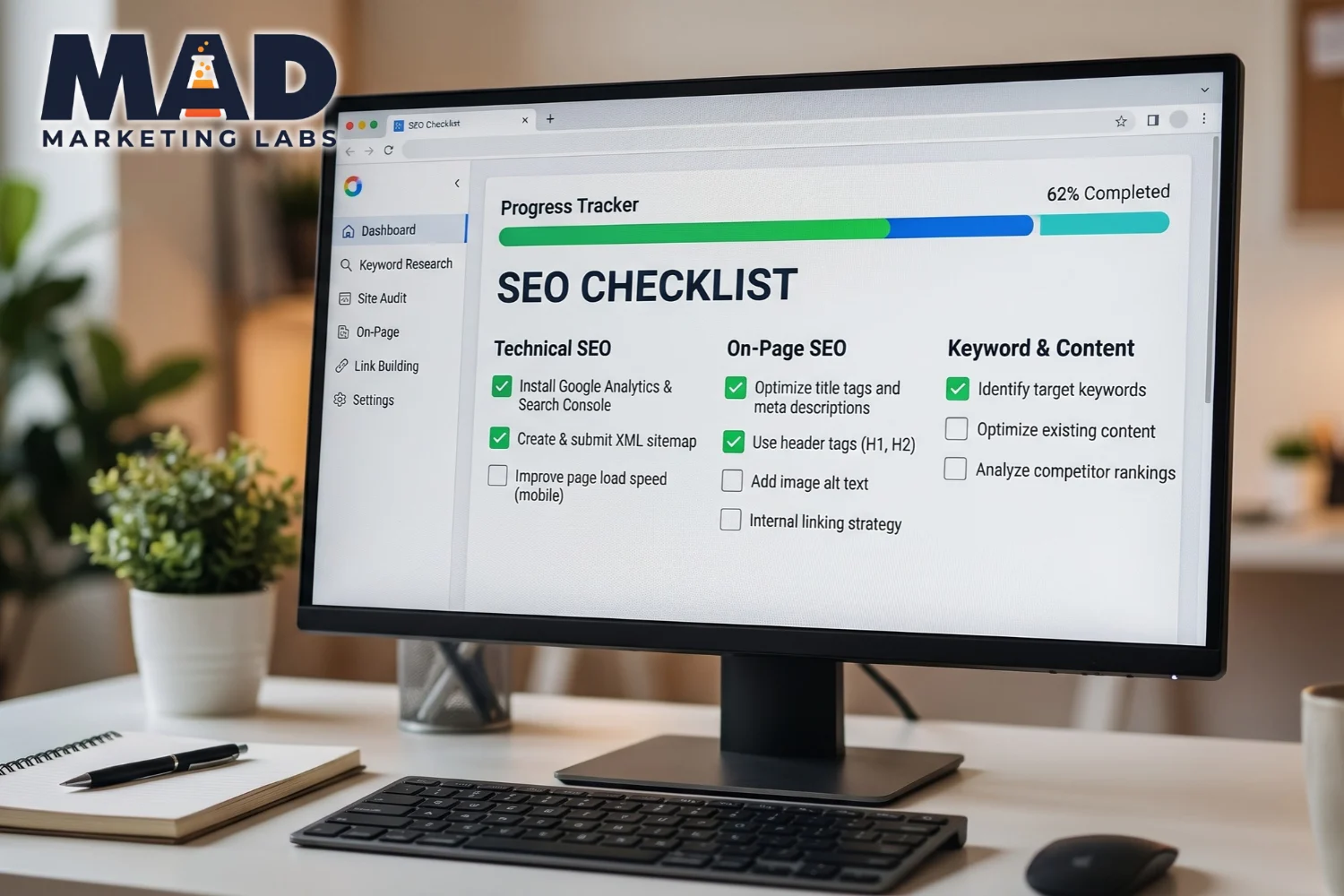
How Do You Perform an SEO Audit? A 10-Step Checklist
Perform an SEO audit by checking access and indexing before editing page content. Use this technical SEO audit checklist to record the affected pages, the evidence, who will fix each issue, and how the fix will be tested.
1. Check If Google Can Crawl and Index Your Website
Check crawl access and indexing for pages that need to appear in search. Crawling means fetching a page; indexing means analyzing and storing eligible information for search.
Use Search Console's URL (Uniform Resource Locator) Inspection tool on the homepage and key service or product pages. Investigate accidental robots.txt blocks and noindex directives; Google must crawl a page to read noindex. Submit an XML (Extensible Markup Language) sitemap to help discovery. A sitemap cannot guarantee indexing, so treat unintended exclusion of key pages as critical.
2. Review Your Website's Technical SEO Errors
Technical errors can block visitors or send Google to the wrong page. HTTP (Hypertext Transfer Protocol) status codes explain responses: 200 means success, 301 a permanent redirect, 404 a missing page, and 5xx a server error.
Use Screaming Frog SEO Spider to find broken internal destinations and unnecessary redirect chains. Keep canonical tags, which suggest preferred page addresses, consistent with internal links and indexing rules.
A genuine 404 for a removed page can be correct. Repair broken links to important pages and redirect only where a relevant replacement exists.
3. Audit Your Website Structure and Internal Links
Important pages should be reachable through clear navigation and crawlable internal links. Review menus, breadcrumb trails, and links inside relevant content.
An orphan page has no incoming internal links, so visitors may struggle to find it even when it appears in a sitemap. Compare crawl results with your page inventory to spot these gaps. Use descriptive anchors such as “refrigerator repair services” instead of “click here.” Organize web addresses logically, and confirm that each important service or product page has at least one relevant link from another page.
4. Review Your On-Page SEO Elements
An on-page SEO audit checklist reviews how well each page explains its topic to visitors and search engines. Start with the elements that readers encounter in search results or on the page. Google for Developers
| Element | What to Check |
| Title tag | Distinct, descriptive, and matched to page content |
| Meta description | Relevant summary for that specific page |
| Headings | Clear H1 main heading and logical H2/H3 subheadings |
| Main copy | Natural keyword placement and a useful answer to the intended question |
| Image alternative text | Descriptions of meaningful images without keyword stuffing |
Meta descriptions may shape search snippets, but Google does not use them as a direct ranking factor. Improve the summary for readers, not as a ranking shortcut.
5. Check for Duplicate, Outdated, or Low-Quality Content
Review content when pages are outdated, repetitive, or lack useful detail. Duplicate content is not automatically spam, but Google may select a different preferred version.
Compare nearly identical service pages that answer the same customer question. Consolidation may help when neither page has distinct value. Check search queries, links, leads, and purpose before updating, combining, or removing a page. Low traffic alone is not a reason to delete useful content, especially a page that supports existing customers.
6. Test Website Speed and Core Web Vitals
Core Web Vitals measure loading, responsiveness, and visual stability. Test important page templates with PageSpeed Insights, especially high-traffic pages and pages that generate inquiries.
Largest Contentful Paint (LCP) measures the largest visible element's loading time; aim for 2.5 seconds or less. Interaction to Next Paint (INP) measures responsiveness; aim for 200 milliseconds or less. Cumulative Layout Shift (CLS) measures unexpected movement; aim for 0.1 or less.
Assess these at the 75th percentile of real visits when field data are available. Resize images, reduce unused scripts, and improve server response times as needed; good scores do not guarantee rankings.
7. Check Mobile Usability and Website Security
Mobile checks confirm that visitors can read pages and complete key actions on a phone. Test navigation, text, buttons, and forms on the homepage and key service pages.
Keep essential mobile content equivalent to desktop content and remove obstructive pop-ups. Check HTTPS (Hypertext Transfer Protocol Secure) connections and certificate warnings alongside mobile-friendly website design.
According to WebAIM at Utah State University, 95.9% of one million homepages tested in February 2026 had detectable accessibility failures. The study measured accessibility, not rankings; automated checks also cannot detect every accessibility barrier.
8. Review Structured Data and Search Appearance
Structured data describes page content in code for search systems that support it. Audit existing Organization, LocalBusiness, Product, or Article markup when relevant to the page.
Use Google's Rich Results Test to check supported features. Compare the code with visible product details and business contact information. A valid test does not prove that Google will display a rich result. Structured data also does not guarantee artificial intelligence (AI) search citations, so record errors without treating every missing optional field as urgent.
9. Audit Backlinks and Local Search Signals
A backlink audit checks which websites link to your pages and whether link-building patterns need review. Use Ahrefs to inspect referring domains and links from relevant publications.
An unfamiliar domain is not automatically harmful. Google says most sites do not need the disavow tool; seek expert review before using it for suspected link schemes.
For eligible local businesses, check Google Business Profile contact details, business categories, and customer reviews. Match public hours and service details with the website so customers see accurate information.
10. Check Your Website's Readiness for AI Search
AI search readiness starts with accessible, useful content rather than a separate set of ranking tricks. Google's AI Overviews and AI Mode require supporting pages to be indexed and eligible for search snippets.
Keep definitions, business details, and supporting evidence in readable text under descriptive headings. Check that necessary crawlers are not accidentally blocked. Google does not require special AI schema, llms.txt, or artificial content chunking. Other platforms use different access and retrieval systems, so review platform-specific guidance before changing crawler rules.
What Are the Best Tools for an SEO Website Audit?
The best audit tools answer different questions, so combine Google's reports with a crawler when needed. Start your website SEO audit checklist with free tools, then add paid functions only when the work requires them.
| Tool | Main Use |
| Google Search Console | Indexing, search performance, and technical issue reports. |
| Google Analytics 4 (GA4) | Visits, engagement, and configured customer events. |
| Google PageSpeed Insights | Real-user performance and lab diagnostics. |
| Screaming Frog SEO Spider | Redirects, metadata, internal links, and broken pages. |
| Ahrefs | Site audits, backlinks, and keyword research. |
| Google Rich Results Test | Google-supported structured data validation. |
A crawler warning is a lead to investigate, not proof of a ranking problem. Check important findings manually and save a baseline before making changes. Recheck the affected pages after repairs rather than relying only on a higher tool score.
Which SEO Audit Issues Should You Fix First?
Fix problems that block important pages or interrupt customer actions before polishing metadata. An SEO technical audit checklist should rank findings by severity, affected pages, and business value.
| Priority | Example Problems | Suggested Action |
| Critical | Unintended indexing blocks; widespread server errors | Investigate immediately |
| High | Wrong canonicals; broken key links; unusable mobile forms | Fix next |
| Medium | Weak titles; outdated content; missing useful links | Schedule improvements |
| Low | Minor snippet edits; nonessential visual changes | Address as capacity allows |
Treat these as starting priorities, not fixed rules. A problem affecting a main sales page may move higher on the list, especially when it prevents real customer inquiries.
How Often Should You Perform an SEO Audit?
SEO audits work best as regular monitoring plus deeper checks after major changes. A small, stable site may need less frequent crawling than a large store that adds products daily.
As a starting routine, review Search Console monthly and run a detailed audit after a redesign, migration, or major template change. Increase checks when errors or traffic drops appear.
Record when fixes go live, then compare indexing, organic clicks, and qualified inquiries. Search performance reporting can help separate useful progress from a better audit score, while seasonal demand should remain part of the comparison.
When Should You Hire an SEO Agency for a Website Audit?
Hire an SEO agency when missing pages, unexplained traffic losses, or widespread technical errors exceed your team's experience. Specialist help can also be useful before and after a redesign or migration.
Ask for evidence behind each recommendation, especially when indexing, rendered content, or canonical selection is involved. Rendering means building the page from its code, which can affect what a crawler can see.
A useful audit names the affected pages, explains each fix, and assigns priorities. It should also identify who handles technical website repairs and how success will be checked, rather than stop at an automated score.
Frequently Asked Questions
An SEO audit checklist should cover access and indexing, technical errors, content quality, internal links, mobile experience, performance, structured data, backlinks, and analytics, with clear priorities that connect findings to important pages and customer actions.
Perform a technical SEO audit by crawling the site, checking key pages in Search Console, reviewing status codes and canonical tags, and testing performance, then document errors, affected pages, recommended fixes, and follow-up checks.
Business owners can run basic SEO checks with free Google tools and a page inventory, while specialist support helps when server errors, rendering issues, or conflicting indexing signals require deeper technical investigation.
An on-page SEO audit reviews a page's content and presentation, while a technical SEO audit examines access, indexing, site structure, and performance; both help diagnose issues that may affect search visibility.
Audit frequency should match website size, update frequency, and risk, with routine monitoring of search reports and deeper reviews after redesigns, migrations, major content changes, or unexplained traffic declines rather than a universal schedule.
Find and Fix Website SEO Issues With Mad Marketing Labs
Mad Marketing Labs helps businesses investigate website problems through SEO, content reviews, technical improvements, and AI search optimization. Mad Marketing Labs' SEO audit checklist gives you a clear starting point: confirm access, review key pages, and prioritize fixes that matter to customers.
Bring current search reports or known website concerns to the discussion. Discuss your Website's SEO and turn unanswered questions into a focused plan for improvement.